Exploratory testing
Ask an agent to walk through a mobile flow, notice blocked states, and keep going when the UI differs from the happy path.
Use case
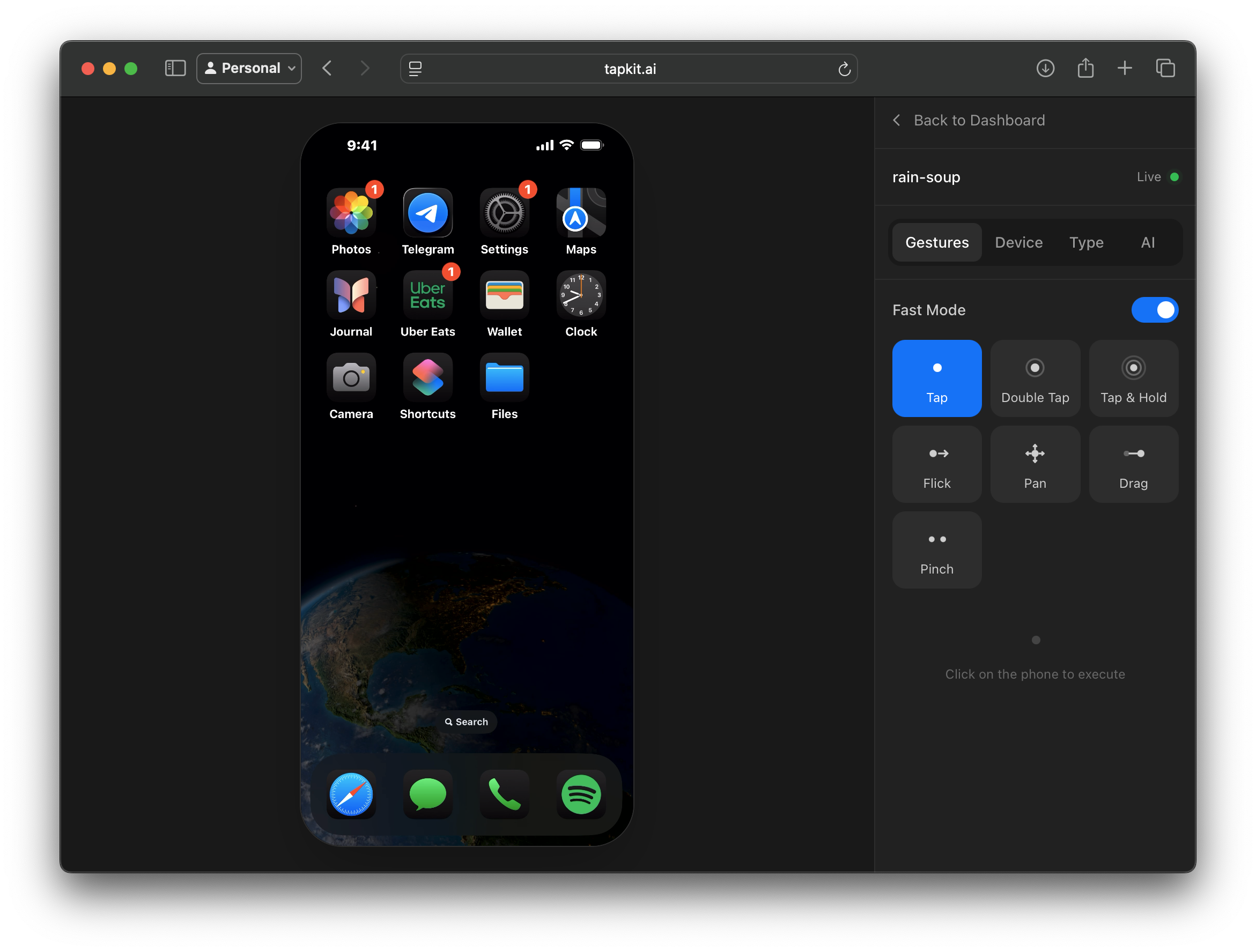
TapKit lets QA and product teams run AI-assisted tests on physical iPhones, so agents can inspect the real screen, operate the app, move across mobile workflows, and leave a trace of what happened.
Surface
Real iOS apps
Test the app and account state users actually touch, including flows that depend on App Store distribution or third-party apps.
Tester
AI agent
Let the agent explore, verify, recover, and report against the current screen instead of only replaying a brittle script.
Evidence
Sessions
Use screenshots, streams, and timeline events to understand exactly what the agent saw and did.
Why real devices
Simulators and scripted tests are valuable, but mobile QA often breaks at the boundaries: permissions, notifications, payment prompts, files, messages, links, app switching, and account recovery.
Those flows are exactly where an AI agent can help. It can look at the current screen, decide what to try next, and document the path it took through the phone.
TapKit provides the real-device control layer so the agent is testing the same kind of iPhone experience a customer sees.
Workflows
Ask an agent to walk through a mobile flow, notice blocked states, and keep going when the UI differs from the happy path.
Validate workflows that jump from your app into Messages, Mail, Settings, Files, web views, or third-party apps.
Exercise login, onboarding, notification prompts, privacy prompts, device settings, and recovery flows on a real phone.
Watch the session, interrupt it, inspect the timeline, and turn the run into a bug report or regression note.
Fit
How teams use it
TapKit is not a replacement for every unit test, integration test, or deterministic Appium suite. Those should keep covering stable paths your team can assert directly.
The useful addition is coverage for workflows that require judgment: unusual state, unexpected UI, multiple apps, changing copy, or real account behavior. The agent can explore those paths and generate evidence for a human to review.