
A stack of developer tools.
Appium needs Xcode, its iPhone driver, and WebDriverAgent. Tapkit brings phone control into one Mac app.
Appium’s iPhone setup involves Xcode, code signing, and Developer Mode on every phone. With Tapkit, download the Mac app, connect your iPhone, and get started in minutes.
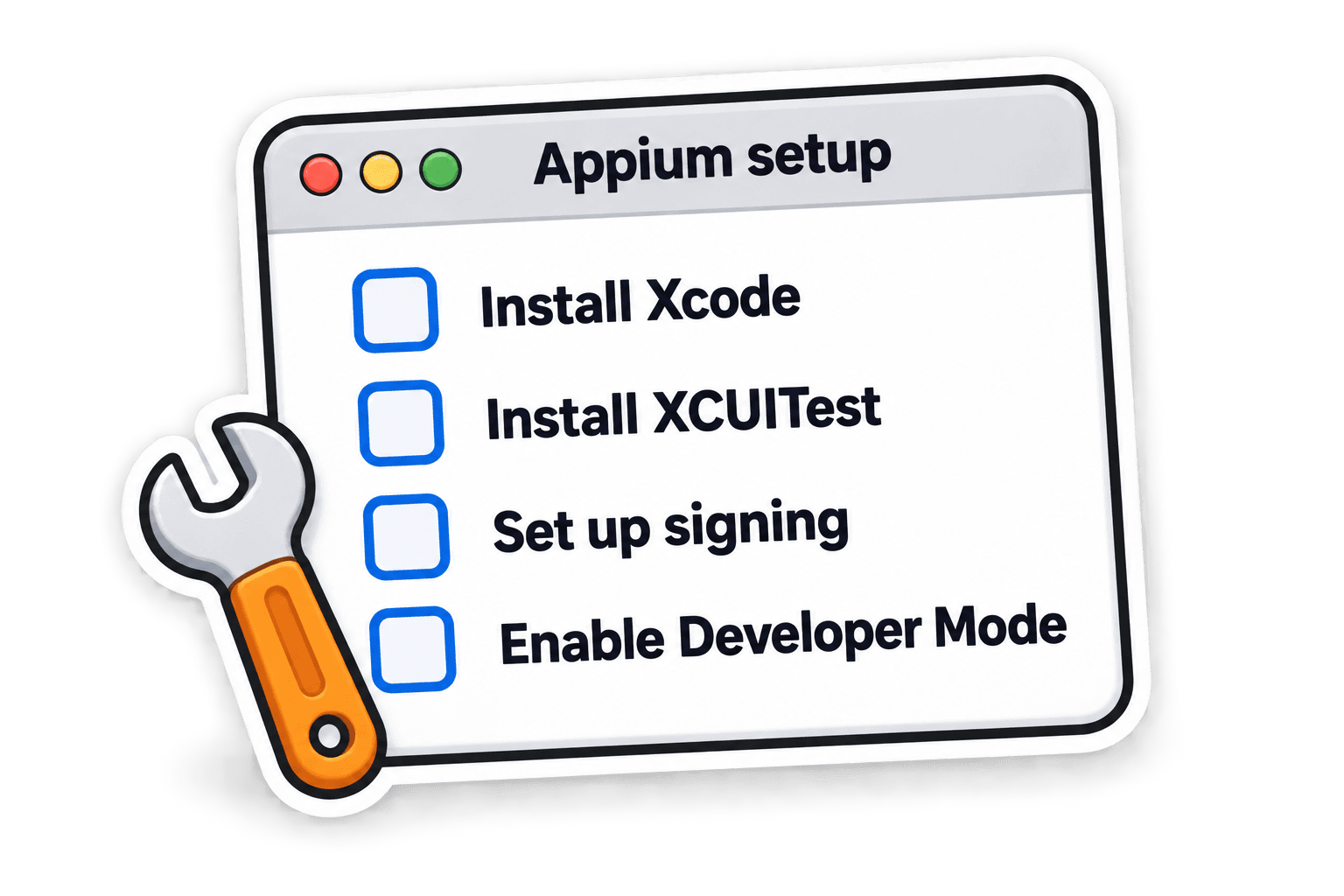
Appium needs Xcode, its iPhone driver, and WebDriverAgent. Tapkit brings phone control into one Mac app.
Appium requires Developer Mode on each iPhone. Tapkit works without it, so there’s no need to turn it on.

Appium’s helper app needs a valid signing profile to run. With Tapkit, there’s nothing for you to build or sign.
