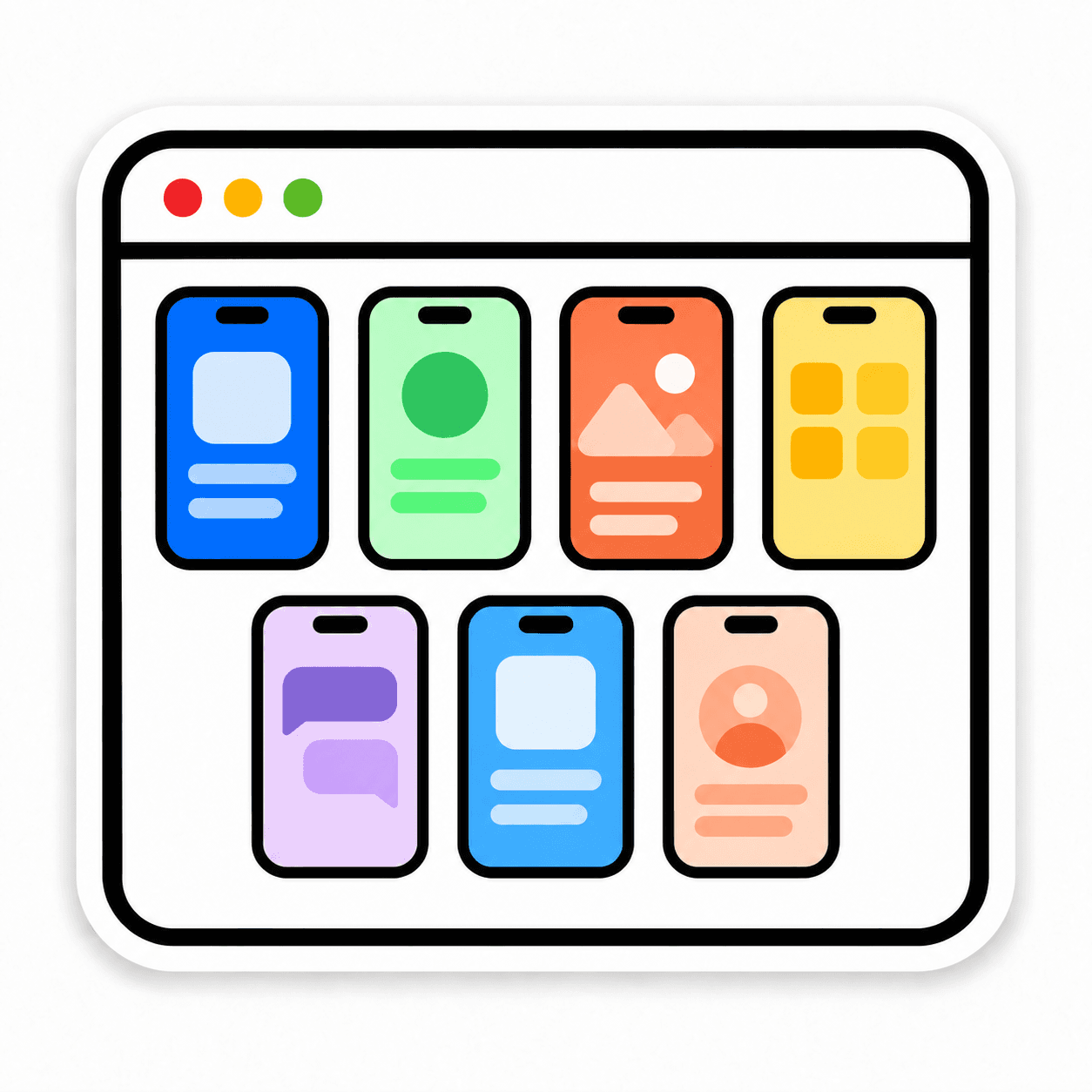
7 iPhones. One Mac.
Connect up to seven iPhones to the Mac app. See their screens in one workspace and move between phones as you work.
Use up to 7 iPhones at once from a single Mac. Give each phone its own work, switch between their screens, and access phones shared by your team.
Connect up to seven iPhones to the Mac app. See their screens in one workspace and move between phones as you work.
Each iPhone keeps its own apps, accounts, and settings. Give each one a different task without signing in and out of the same phone.

Open your team’s shared iPhones in your browser, including phones connected to another Mac. Work from wherever you are.
